
How to Replace 33001808 Dryer Lint Filter on Maytag & Whirlpool Dryers — Step-by-Step
Always unplug the dryer completely before removing any panels or accessing internal components, even for a simple lint filter replacement.
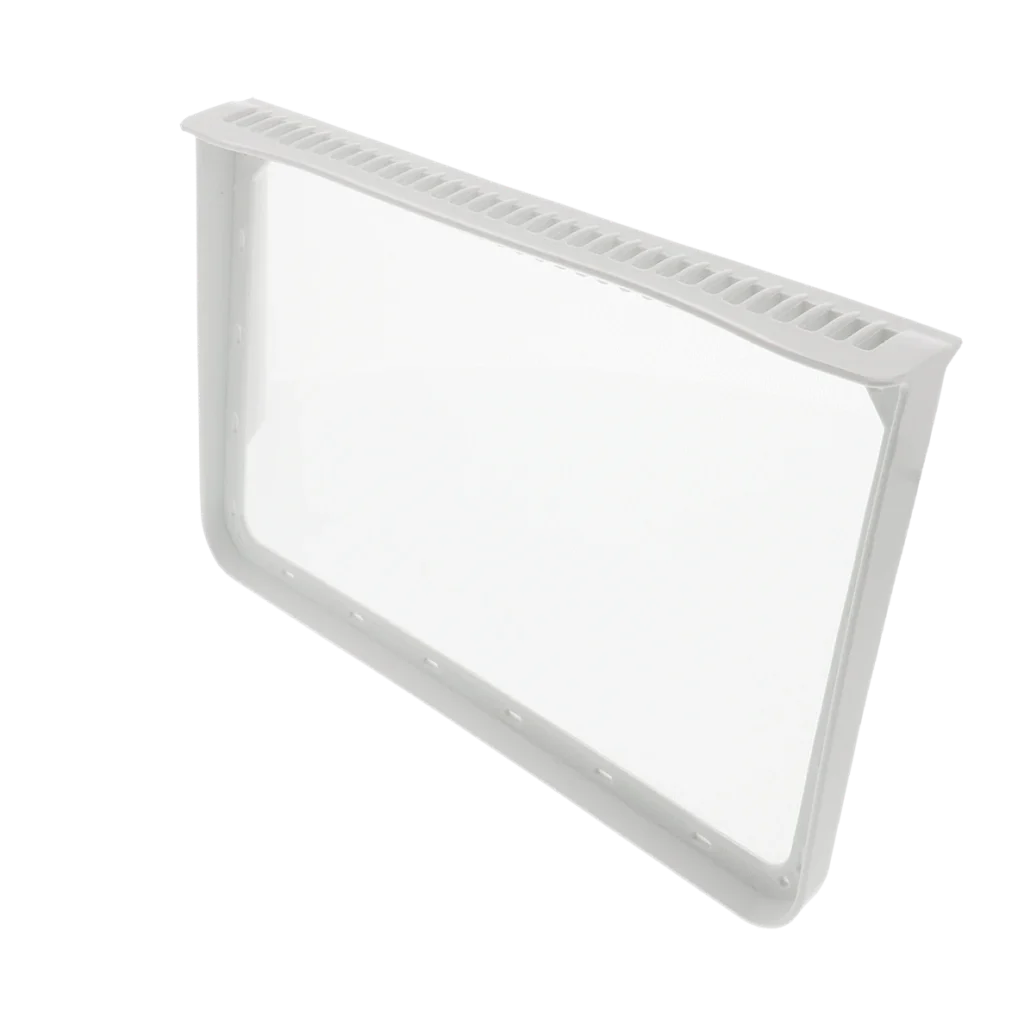
When your Maytag MDE9206AYW takes twice as long to dry a load of towels, or your dryer's touchpad stops responding completely, the problem might not be the electronics at all. A torn, cracked, or clouded lint filter restricts airflow so severely that the dryer's moisture sensors can't function properly — and that's exactly what the 33001808 lint filter does when it fails.
What You Need Before Starting
This is one of the easier dryer repairs you'll tackle. Most people finish in under 30 minutes, even on their first attempt. Here's what you'll need:
- Screwdrivers (flathead and Phillips)
- Nut drivers
- Pliers
- Socket set or adjustable wrench
- Clean cloth for wiping down the filter housing
Repair Time: 15-30 minutes
Difficulty: Easy
Safety First
Unplug your dryer completely before starting this repair. Even though you're working with a simple filter replacement, you'll be removing panels that could expose electrical connections. If your dryer is gas-powered, you don't need to shut off the gas line for this particular repair, but make sure the dryer is unplugged from the wall outlet.
Step 1: Remove the Existing Lint Filter and Inspect the Housing
Pull the lint filter straight up and out of its slot. Look closely at the mesh screen — if it's torn, cracked, or has a cloudy film that won't wash off, that's your airflow restriction right there. Now peer down into the filter housing with a flashlight. You'll probably see lint buildup clinging to the walls, which compounds the restriction problem.
Step 2: Access and Clean the Filter Housing
Before installing your new filter, vacuum out the housing cavity thoroughly. Use a narrow crevice attachment to get deep into the duct. Wipe down the walls with a slightly damp cloth. This step matters more than most people realize — installing a new filter into a lint-packed housing defeats half the purpose of the repair.
Step 3: Check the Housing Frame for Damage
Run your fingers around the plastic frame where the filter slides in. Look for any cracks or warped areas that could prevent a proper seal. On models like the MDG5500AWW and MDE7600AYW, the housing frame can crack near the mounting tabs after years of pulling the filter in and out. If you find damage here, you might need to replace the housing assembly itself (that's a separate part number).
Step 4: Install the New 33001808 Lint Filter
Slide the new filter straight down into the housing until it seats completely. It should drop in smoothly and sit flush with the top of the dryer. Give it a gentle tug upward to make sure it's seated properly — you'll feel resistance if it's correctly installed. The filter shouldn't wobble or slide around loosely.
Step 5: Run a Test Cycle
Plug your dryer back in and run a 10-minute air fluff cycle with no clothes inside. Stand next to the dryer and listen. You should hear steady, strong airflow and feel warm air coming from the exhaust vent outside. If your touchpad was unresponsive before (a common symptom with restricted airflow), test all the buttons now — proper airflow often resolves these phantom electrical issues.
Testing After Installation
Run a full drying cycle with a small load of damp towels. The load should dry completely in the normal time frame (typically 45-60 minutes for a small load on medium heat). Check the lint filter after this test cycle — you should see a normal amount of lint caught on the screen, proving that air is flowing properly through the system. If clothes are still taking forever to dry, you've got a vent clog further downstream that needs addressing separately.
Frequently Asked Questions
Why does a bad lint filter cause touchpad problems?
When airflow is severely restricted, the dryer overheats and the control board goes into a protective mode. The touchpad becomes unresponsive because the board won't accept new commands until temperatures normalize. It's a safety feature, not an actual control board failure. Replace the filter, restore airflow, and the touchpad usually starts working again.
How often should I replace the lint filter instead of just cleaning it?
Clean your filter after every load, but replace it when the mesh becomes cloudy or damaged. That cloudiness is fabric softener residue that's baked into the screen — it won't wash out and it blocks airflow just like a tear would. Most filters last 3-5 years with normal use, but if you use dryer sheets or liquid fabric softener, expect to replace it more often.
Will this filter work on both Maytag and Whirlpool commercial dryers?
Yes, the 33001808 fits both brands because Whirlpool owns Maytag and uses shared parts across their commercial dryer lines. This filter specifically fits models like the MDE9206AYW, MDG5500AWW, MDE7600AYW, and dozens of other commercial Maytag dryers. Check your model number against the compatibility list — if your model's on there, this filter will drop right in.
Clean the filter housing cavity thoroughly before installing the new filter — a lint-packed housing defeats half the purpose of the repair.
Need the part for this repair?
33001808 · In Stock · Ships next business day