Free Shipping $49+
Factory Direct No Middleman
30-Day Returns
24/7 1-800-HEIMA-00
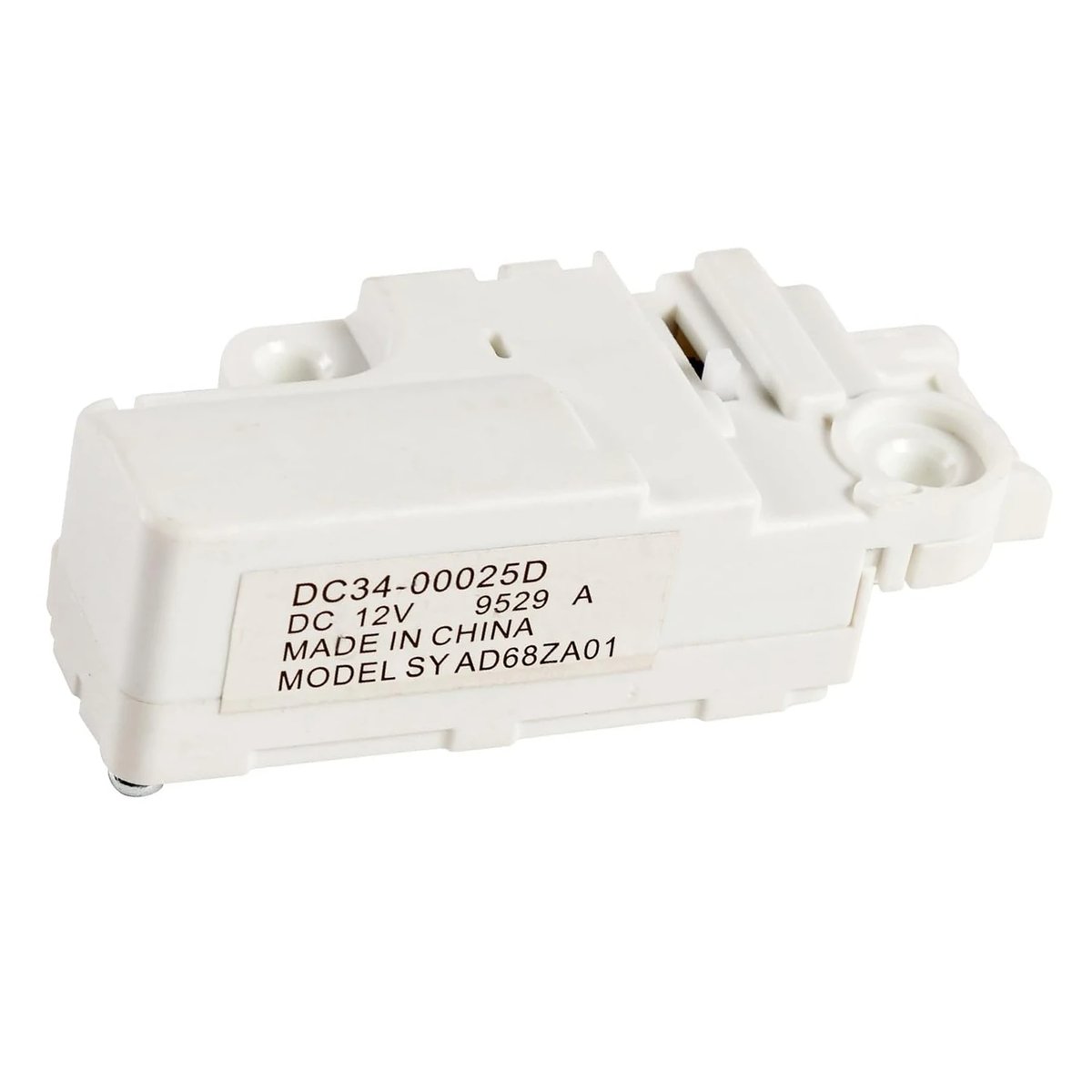
Washer door fails to latch or lock, preventing the wash cycle from starting. The door lock switch may be mechanically or electrically faulty.
Washer clicks repeatedly at start but never fills with water — the control board cannot confirm the door is locked, so it halts operation.
Samsung displays a dC or dC3 door-lock error code on the control panel, indicating the door lock switch is not sending a confirmation signal to the main control board.
Door appears visually closed but the drum refuses to spin or agitate because the lock switch is not electrically confirming a secured door to the control system.
💡 Pro Tip: How to Know Your Door Lock Switch Has Failed
Your part is likely the culprit if you notice any of the following:
⚠️ Washer door won't lock or latch — cycle refuses to start
⚠️ Error code dC, dC3, or door-lock fault displayed on control panel
⚠️ Washer starts clicking repeatedly but water never fills
⚠️ Door appears locked but drum will not spin or agitate
🛠 Technician's tip: Before replacing, check the door strike for physical damage and inspect the wiring harness from the main control to the lock assembly for loose connections or pinched wires. Use a multimeter to test resistance across the switch terminals — a reading significantly outside spec confirms a faulty lock switch.
📦 What's in the Box
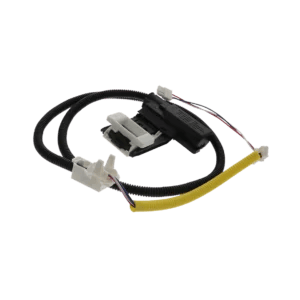
✅ 1× Washer Door Lock Switch DC34-00025D (DC 12V, 0.3A, approx. 3.0 × 1.7 × 0.92 in)
We typically respond within 1 business day. Include your appliance model number for the fastest answer.
Disclaimer: Compatibility information, part numbers, and model fitment data on this page are sourced from manufacturer databases and third-party references. While we strive for accuracy, please verify your appliance model number before ordering. Heima is not responsible for errors or omissions in compatibility listings.

Reviews
There are no reviews yet.